

Available on: All plans | Role: All users | Status: Generally Available
Overview
The AI Workspace is where you have AI-powered conversations. Each conversation happens within a teamspace — a dedicated chat environment connected to its own documents and AI configuration.Start a Conversation
Select a Teamspace
From the sidebar, choose the teamspace you want to chat in. Each teamspace has access to different documents and data sources.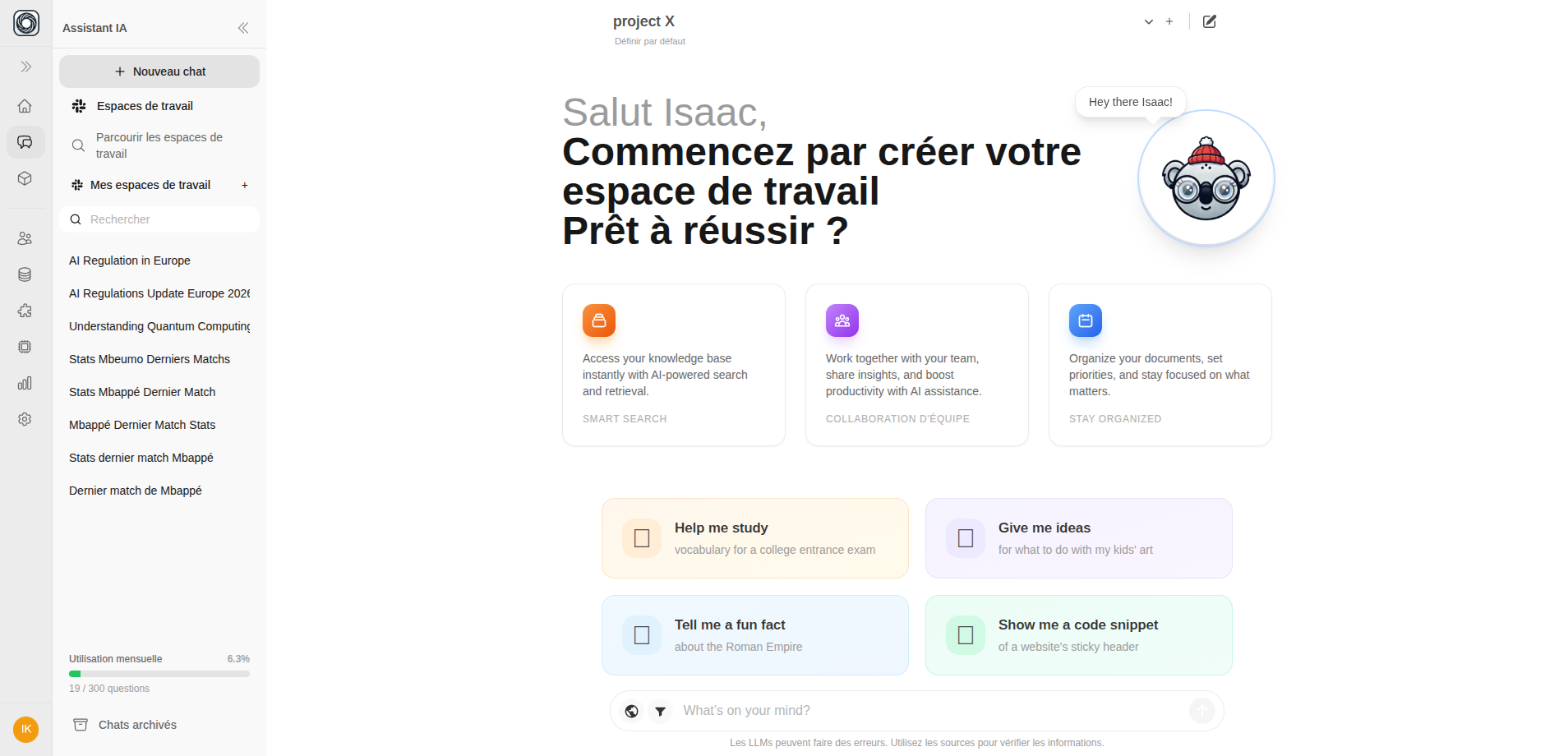
Type Your Question
Click the message input at the bottom of the screen and type your question. Press Enter to send.
Helpful Commands
While typing in the chat input, you can use these commands:| Command | What It Does |
|---|---|
/ | Browse and insert saved prompt templates |
# | Reference a specific document by name |
@ | Mention an AI Box to run it in the conversation |
Quick Actions
| Action | Shortcut |
|---|---|
| Send message | Enter |
| New line | Shift+Enter |
| Regenerate last response | Ctrl/Cmd+R |
| Edit last message | Arrow Up (when input is empty) |
| New conversation | Use the + New Chat button in the navbar |