

Available on: All plans | Role: All users | Status: Generally Available
Overview
Web search lets you combine your organization’s document knowledge with real-time information from the internet. When enabled, the AI searches the web using Perplexity and includes internet sources alongside your document citations.How to Use Web Search
Enable Web Search
Click the globe icon (web search toggle) in the message input toolbar. It turns green when active.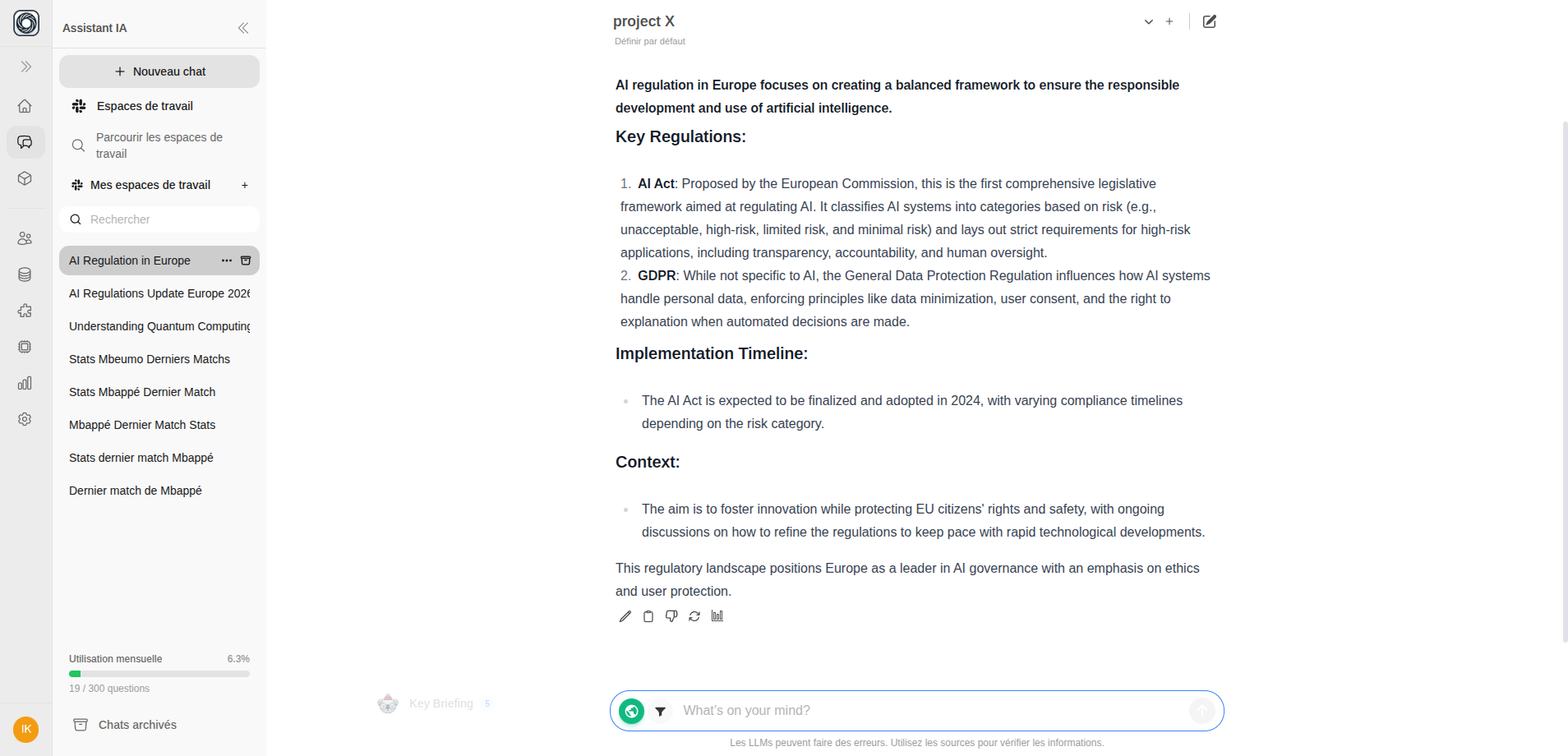
Ask Your Question
Type your question and send it as usual. The AI will search both your documents and the web.
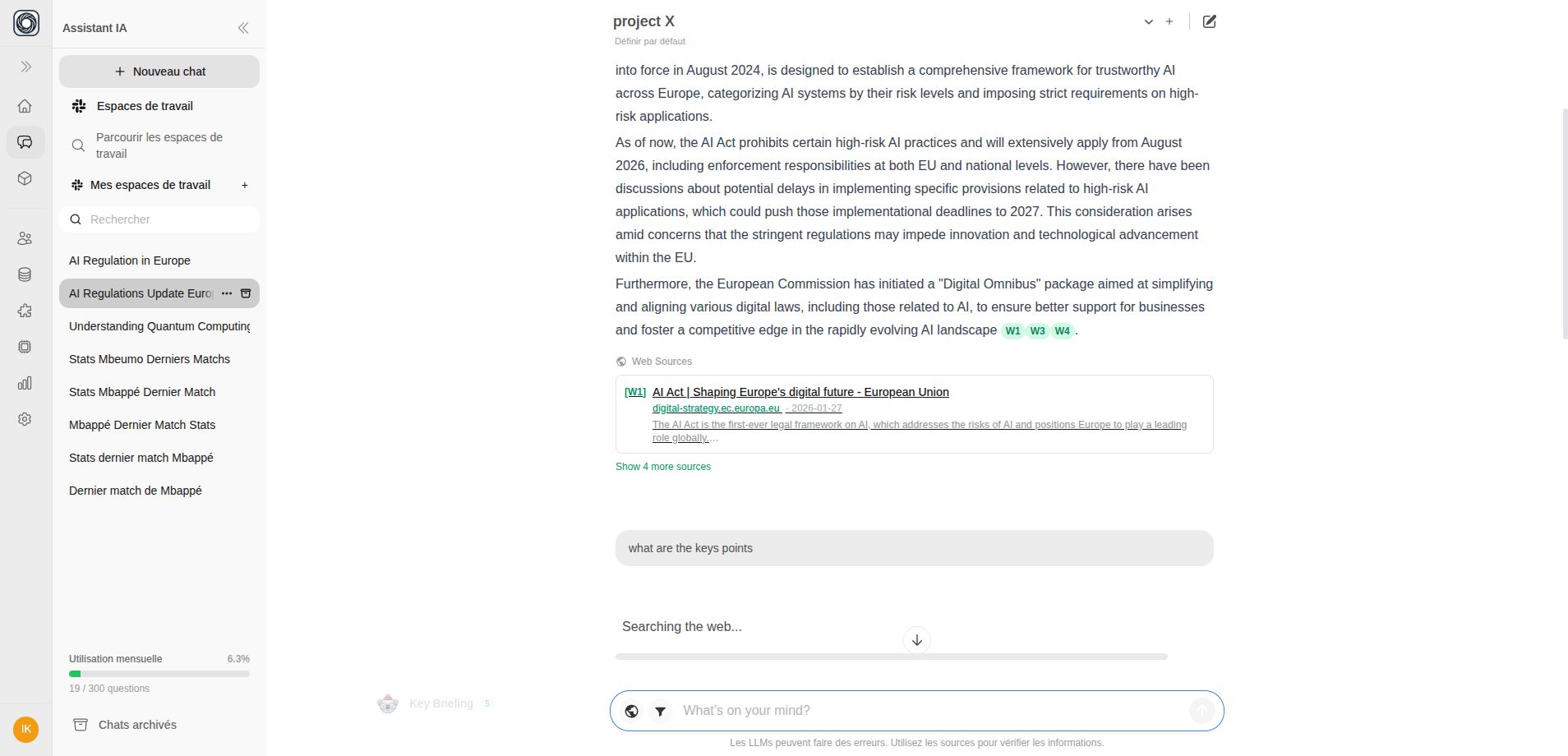
Web Sources Panel
When web search is used, an expandable Web Sources panel appears below the AI response. Each source card shows:- Source title
- Website hostname
- Publication date
- Content snippet
How It Works
- Your message is sent with web search enabled
- The AI performs a web search via Perplexity
- During streaming, you’ll see progress messages like “Searching the web…”
- Web results are integrated into the AI’s response alongside document knowledge
- Citations are added so you can verify every claim
Tips
- Web search is per-message — toggle it on for specific questions, off for others
- You can combine web search with RAG filters to blend internet data with specific documents
- Web search responses may take slightly longer due to the additional search step