

Available on: All plans | Role: All users | Status: Preview
Overview
The Briefing Panel provides contextual domain insights that appear alongside your chat conversations. It surfaces relevant information and summaries to help you stay informed while working.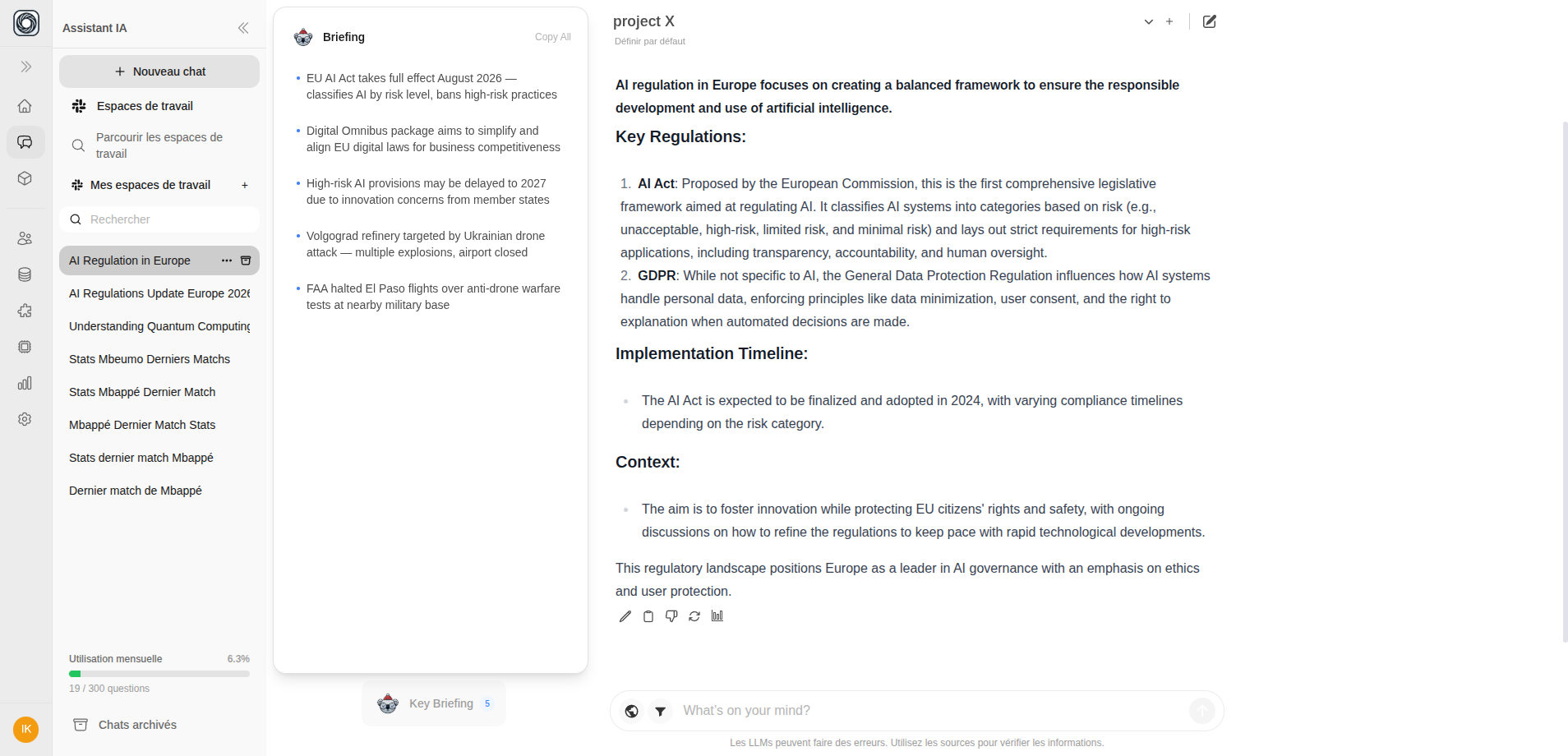
Where It Appears
The Briefing Panel adapts to your screen size:| Screen Size | Display Mode |
|---|---|
| Extra large (1280px+) | Full panel in the left sidebar area |
| Medium to large (768-1280px) | Compact mode in the header area |
| Small/mobile | Hidden |
What It Shows
The Briefing Panel surfaces:- Domain-relevant insights based on your current teamspace
- Key metrics and summaries
- Contextual information related to your active conversation
The Briefing Panel is currently in Preview mode. Content and features may evolve as backend integration is finalized.