

Available on: All plans | Role: Admin+ access the catalog directly; Users connect apps via AI Box setup | Status: Generally Available
OAuth Connection Flow
Most apps use OAuth for secure authentication. Here’s the process:Authorize Access
A popup window opens with the app’s authorization page. Sign in to your account and grant the requested permissions.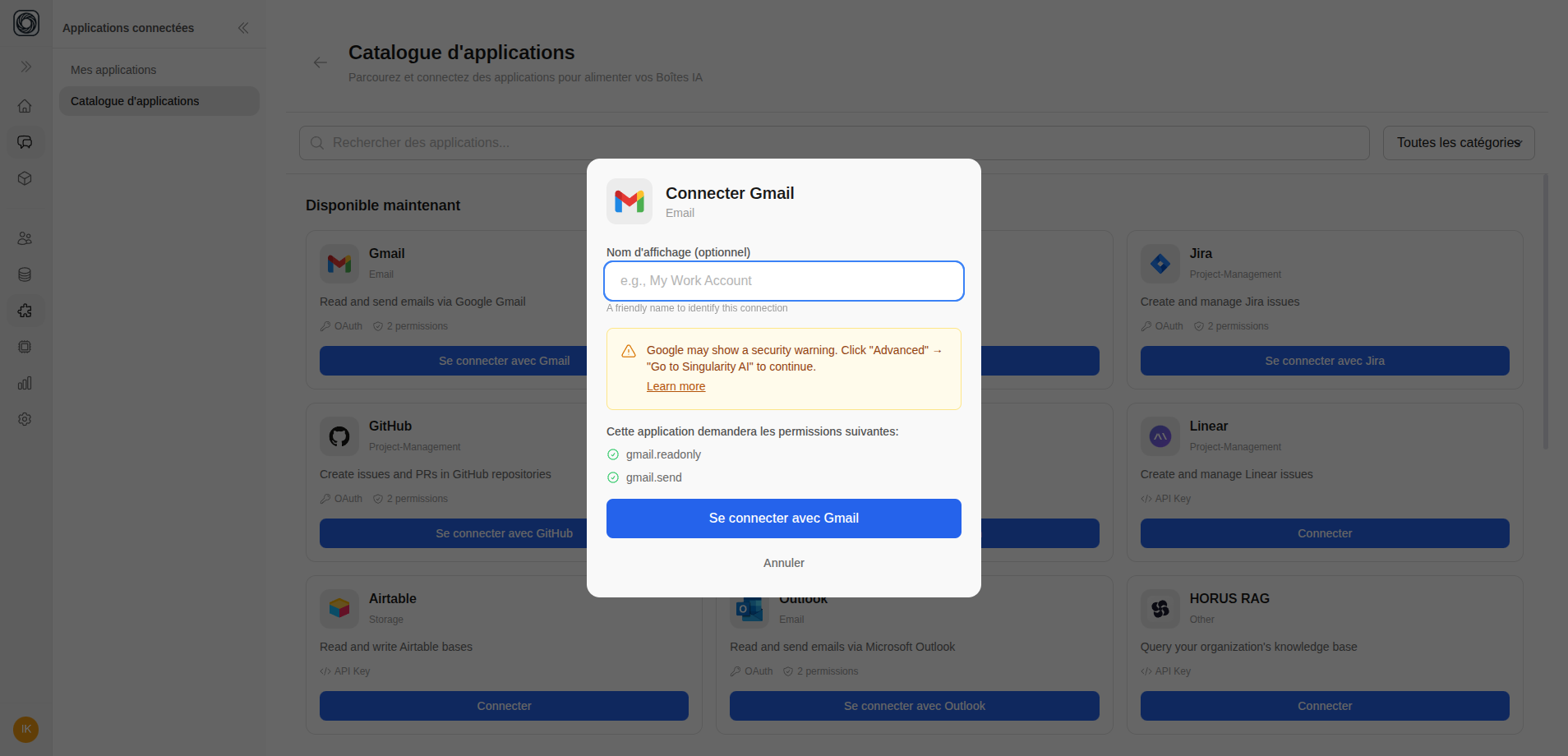
API Key Connection
Some apps require an API key instead of OAuth:- Click Connect on the app
- Enter your API key in the modal
- Click Verify and Connect
- The app tests the connection and confirms it’s working
Credentials Connection
For apps requiring username and password:- Click Connect on the app
- Enter your username and password
- Click Connect
- The app verifies and connects