

Available on: All plans | Role: All users | Status: Generally Available
Sharing Conversations
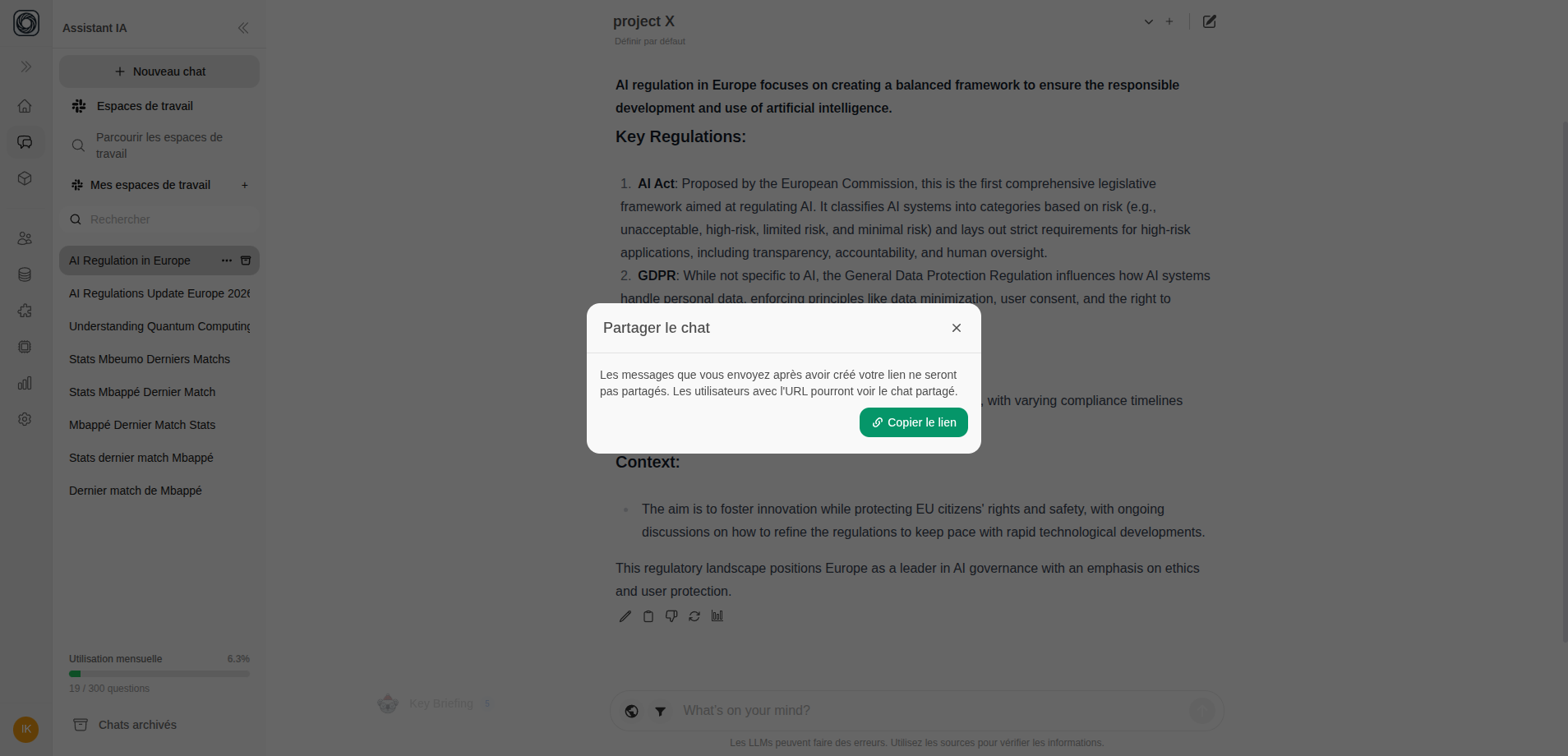
Share any chat conversation with colleagues by creating a public link.Open the Share Dialog
In an active conversation, click the Share button in the chat header or right-click the chat in the sidebar and select Share.
Generate a Link
Click Create Shared Link. A unique URL is generated that anyone with the link can view.
Tagging Chats
Organize your conversations with custom tags for easy retrieval.Adding Tags
- Right-click a chat in the sidebar (or use the menu icon)
- Select Tag
- Type a tag name and press Enter
- Add multiple tags to a single conversation
Finding Tagged Chats
Use the search in the sidebar to filter chats by tag. Tags appear as colored chips on chat entries.Archiving Chats
Clean up your chat list without losing conversations:- Right-click a chat in the sidebar
- Select Archive
- The chat moves to the Archived section