

Available on: All plans | Role: Organization Owner only | Status: Generally Available
Overview
Organization settings let the organization owner configure top-level settings that affect all users in the organization.Accessing Settings
Navigate to Workspace > Organization Settings. This section is only visible to the organization owner (super role).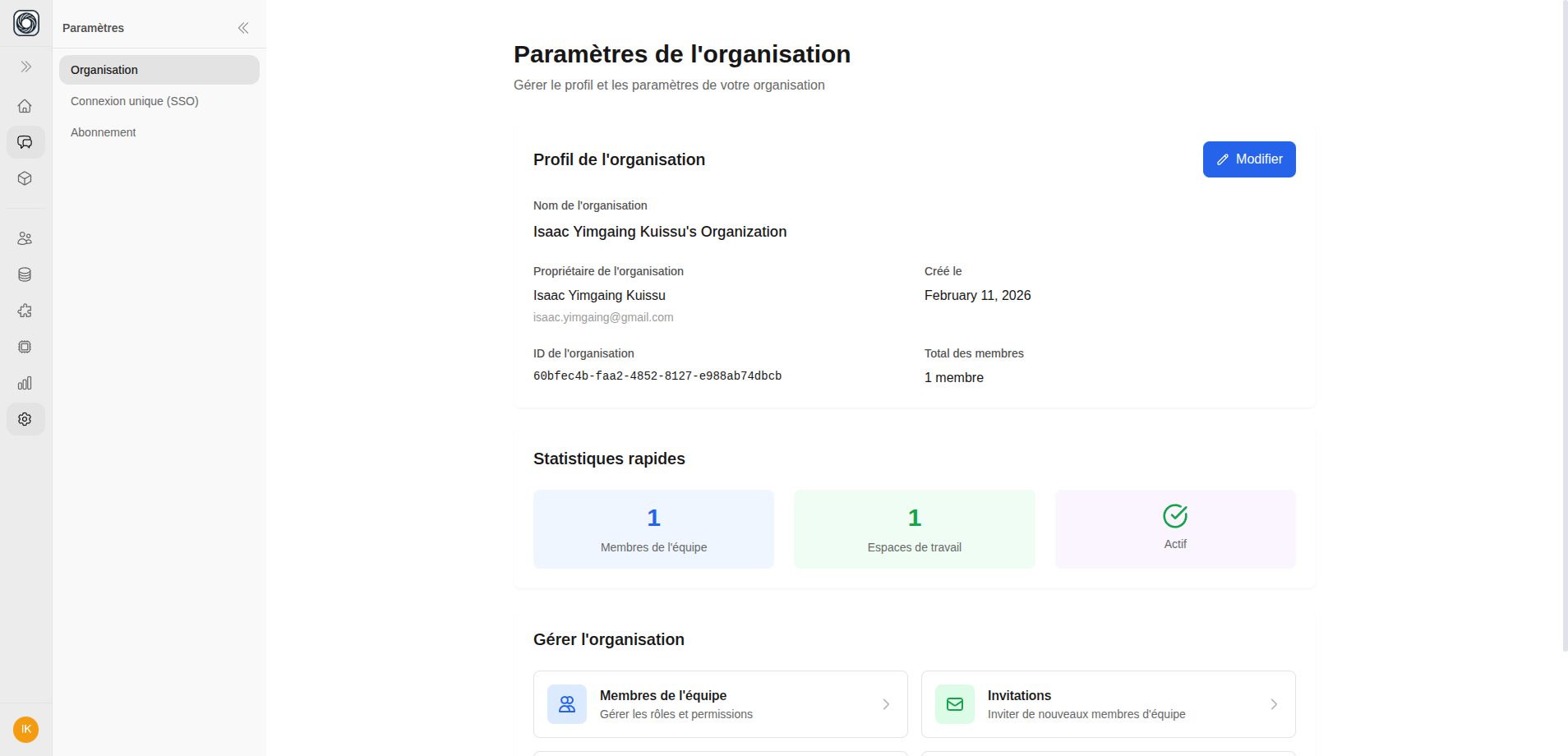
Available Settings
| Setting | Description |
|---|---|
| Organization Name | The display name for your organization |
| Domain Restrictions | Limit which email domains can join your organization |
| Default Role | The role assigned to new members by default |
| Approval Required | Whether new signups require admin approval |
Domain Restrictions
Configure which email domains are allowed to join your organization:- Add specific domains (e.g.,
yourcompany.com) - Users with non-matching domains cannot sign up
- Existing members are not affected by domain changes